
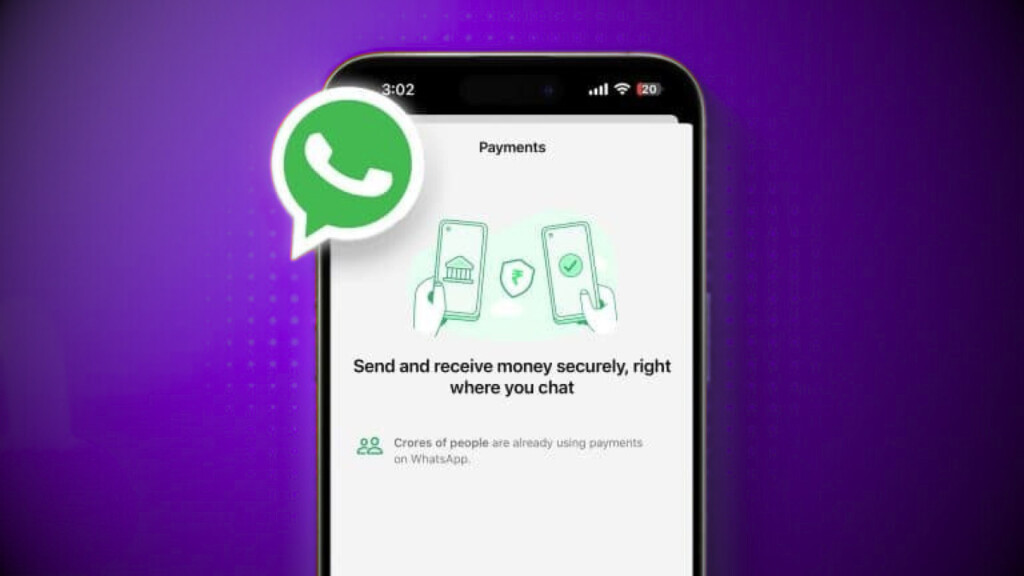
Alongside sending messages, WhatsApp now allows users to send money directly through the app. This popular messaging platform has introduced a new feature called WhatsApp Pay.
This feature enables you to send and receive money within WhatsApp itself, without needing any other application. Simply put, you can transfer money to anyone you know just as easily as sending them a message.
How to Use WhatsApp Pay?
1. Set Up Your Account
- Open WhatsApp and navigate to the Payments option.
- Link your bank account through the Unified Payments Interface (UPI) system.
- Set up your UPI ID and PIN.
2. Sending Money
- Open a chat with the person to whom you wish to send money.
- Tap the Payment option.
- Enter the amount and confirm the transaction using your UPI PIN.
3. Receiving Money
- The recipient must also have WhatsApp Pay set up.
- The money will be directly credited to their linked bank account.
Security Features
WhatsApp Pay transactions are secured with your UPI PIN, known only to you. Moreover, all transactions are protected by end-to-end encryption — the same security standard that protects your messages
Why WhatsApp Pay Matters
This simple new feature could significantly smooth your daily financial transactions — all from your most frequently used chat app!
WhatsApp Pay initially launched on a trial basis and has already been adopted by over 100 million users in India. Recently, India’s National Payments Corporation (NPCI) lifted several restrictions on WhatsApp Pay, making it accessible to a broader audience than ever before.